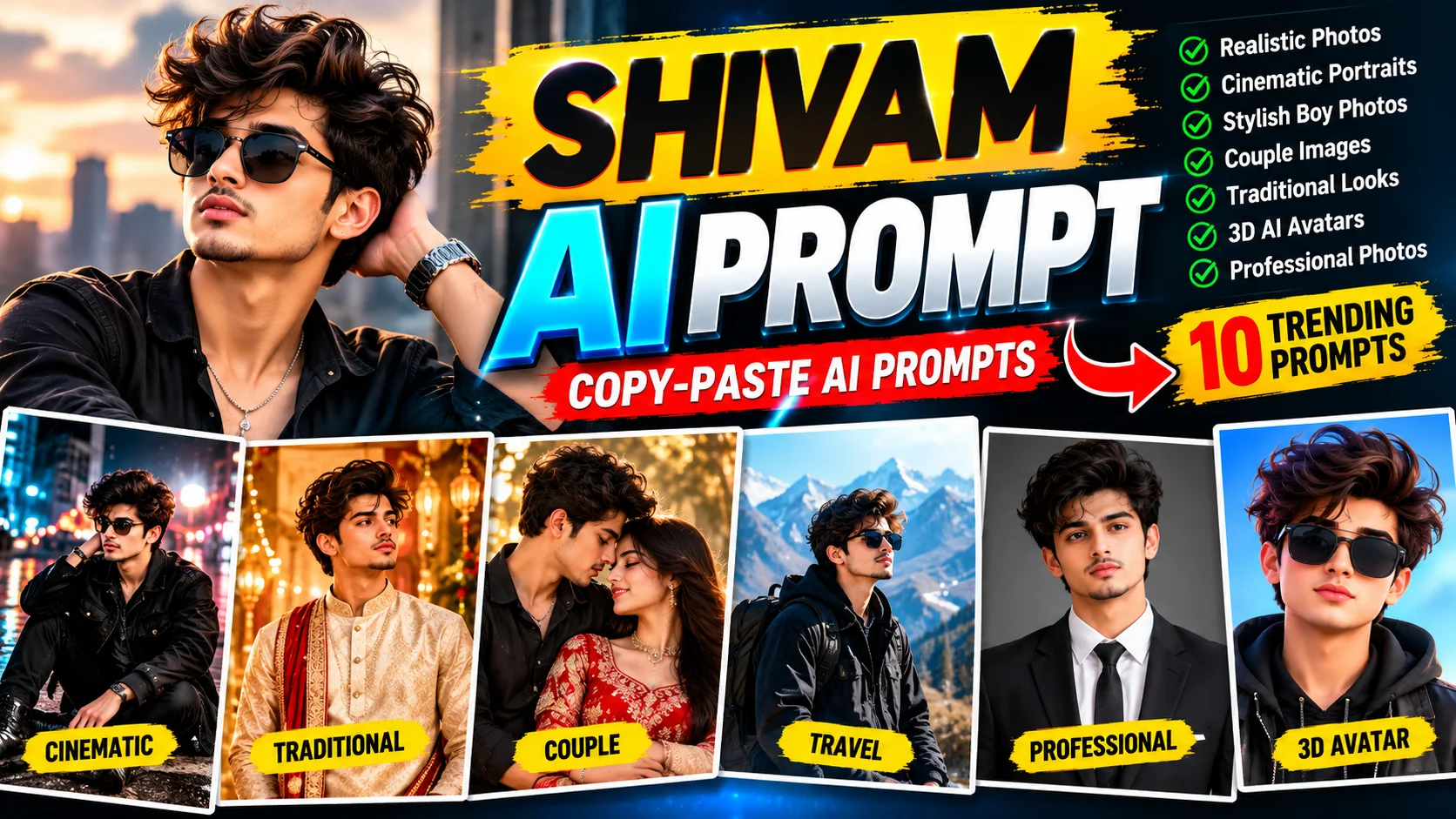

AI photo editing is becoming increasingly popular. People are using AI tools to transform ordinary photos into stunning, realistic, and cinematic images. With the right AI prompt, you can create stylish portraits, professional profile pictures, romantic couple photos, and eye-catching social media images.
If you are looking for Shivam AI Prompt, this article will help you discover 10 creative AI photo editing prompts that you can copy and use with compatible AI image generators.
These prompts are suitable for creating images for Instagram, Facebook, WhatsApp, and other social media platforms. You can try them with Google Gemini, ChatGPT image features, or other AI tools that support photo uploads and image generation.
What Is Shivam AI Prompt?
Shivam AI Prompt refers to text instructions that you can use to guide an AI tool when creating or editing images. A prompt describes the desired appearance, clothing, background, lighting, pose, and photography style.
For example, if you want to create a cinematic portrait, you can ask the AI to add dramatic lighting, a blurred background, realistic skin texture, and professional photography effects.
A well-written prompt helps you explain your creative idea clearly and can improve the final result.
10 Trending AI Photo Editing Prompts
Here are 10 creative prompts you can copy and customize according to your preferences.
1. Realistic Cinematic Portrait Prompt
Create a professional cinematic portrait with natural lighting and realistic details.
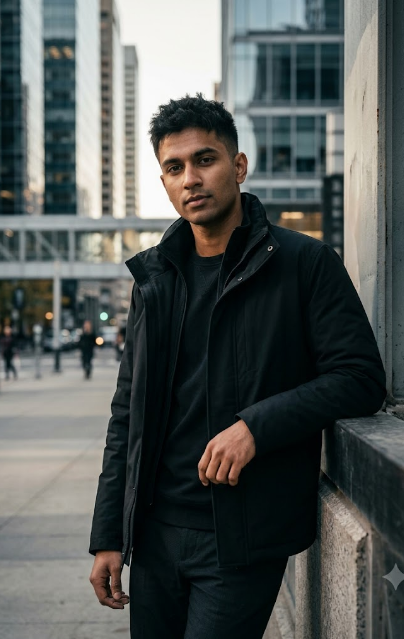
2. Stylish Boy AI Photo Prompt
This prompt is ideal for creating modern fashion portraits for Instagram and other social media platforms.

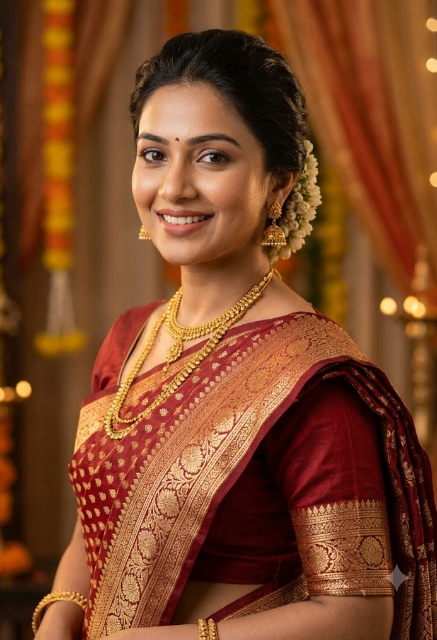
3. Traditional Indian Look Prompt
If you enjoy traditional Indian fashion, use this prompt to create an elegant ethnic portrait.
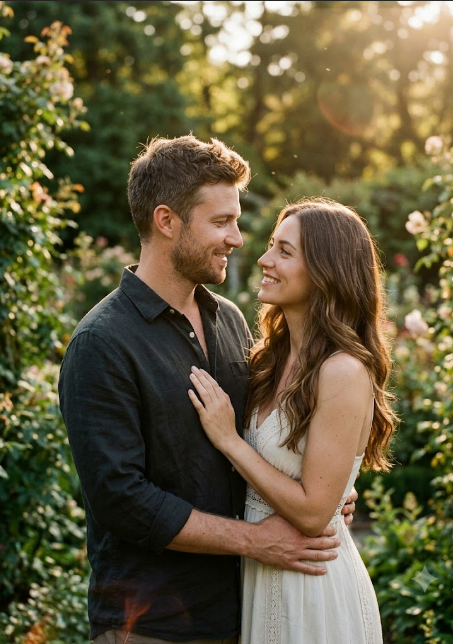
4. Romantic Couple AI Photo Prompt
Create a beautiful couple portrait for anniversaries, special occasions, or social media posts.
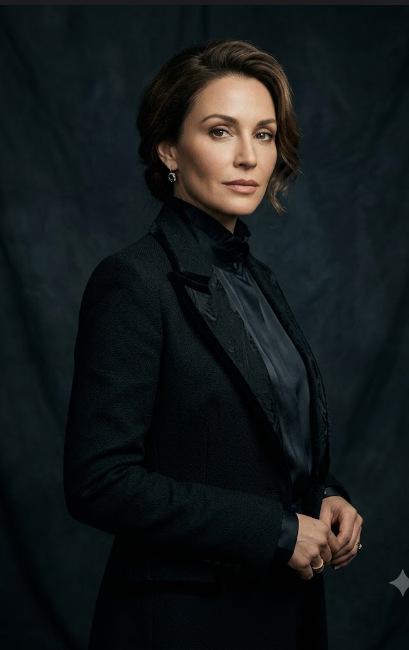
5. Luxury Black Outfit Prompt
A luxury fashion portrait can give your photo a premium and sophisticated appearance.
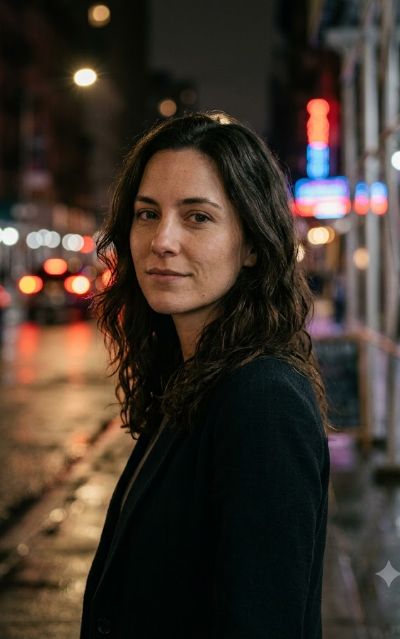
6. Rainy Night Cinematic Prompt
This prompt is perfect for creating moody portraits with city lights and a cinematic atmosphere.
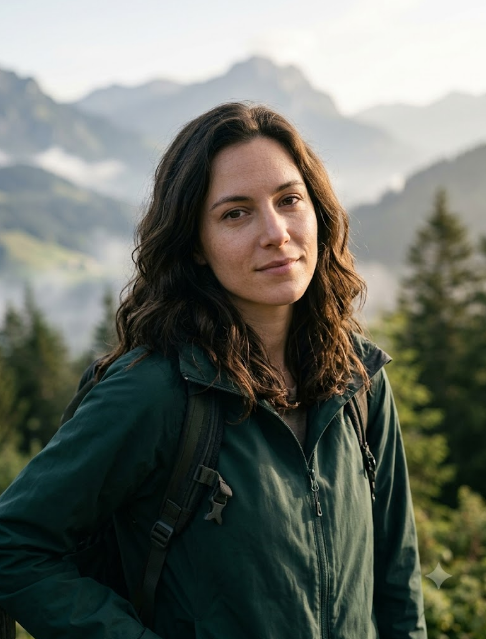
7. Mountain Travel Photo Prompt
Turn your portrait into a beautiful travel-style photograph surrounded by nature.
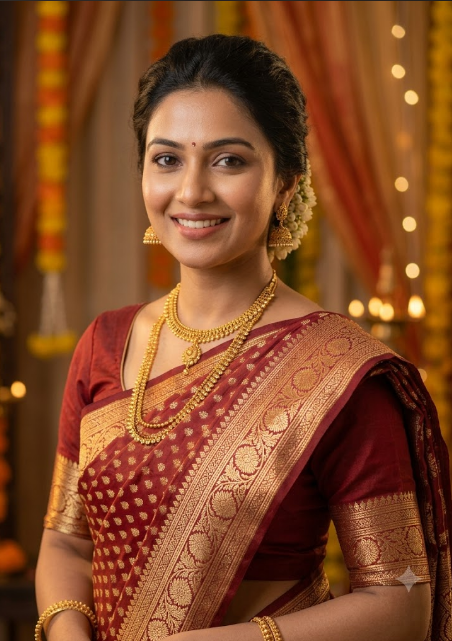
8. Festival Special AI Photo Prompt
Use this prompt to create festive portraits for Diwali, Ganesh Chaturthi, and other Indian celebrations.
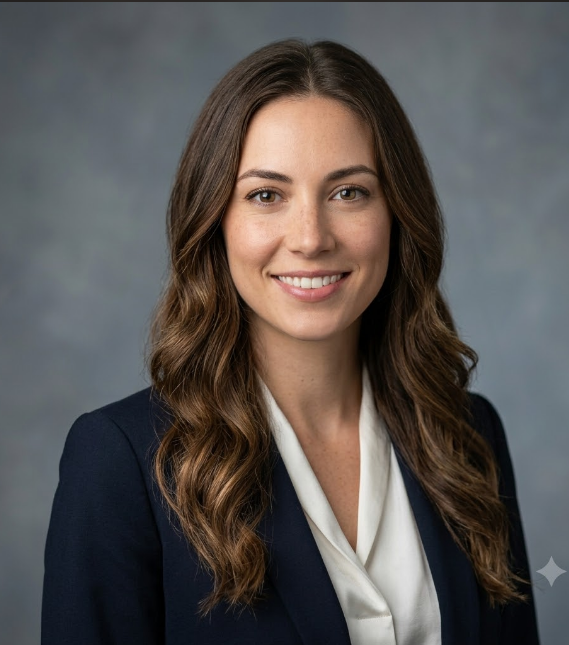
9. Professional Profile Photo Prompt
This prompt is useful for LinkedIn profiles, resumes, business websites, and professional social media accounts.
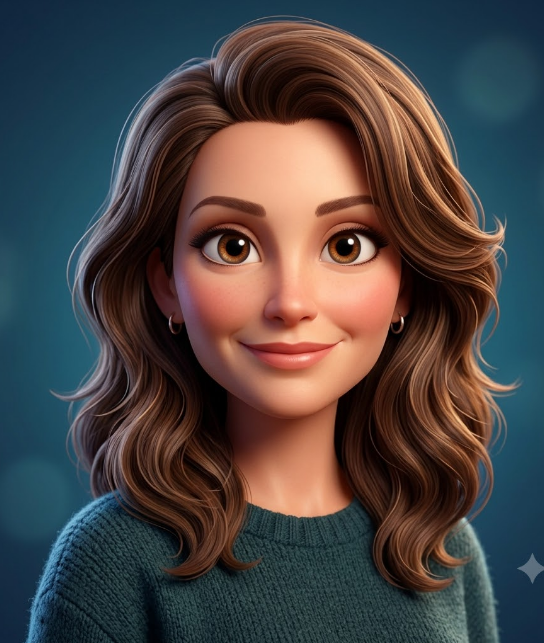
10. 3D AI Avatar Prompt
If you want a creative profile picture, try converting your photo into a stylized 3D avatar.
How to Use AI Photo Editing Prompts
Follow these simple steps to create your own AI images.
- Open an AI image generator that supports photo uploads.
- Upload a clear photograph that you have permission to use.
- Choose one of the 10 prompts from this article.
- Copy the prompt and paste it into the AI tool.
- Change the clothing, background, lighting, or image size if needed.
- Click the Generate or Create option.
- Review the result and modify the prompt if you want a different style.
Different AI tools may produce different results. Preserving an uploaded person’s exact facial identity is not guaranteed, so check the generated image before sharing it.
Tips for Getting Better AI Photo Results
- Use a clear photograph: Good lighting and a sharp image can help the AI understand the subject.
- Describe the background: Specify whether you want a studio, garden, mountain, city, or festive setting.
- Choose the correct aspect ratio: A 4:5 image works well for many portrait posts, while 1:1 is useful for profile pictures.
- Keep facial details natural: Ask the AI to preserve the original facial features and avoid excessive retouching.
- Experiment with styles: Try cinematic, realistic, traditional, luxury, and 3D styles to discover what works best.
Shivam AI Prompt: Copy-Paste AI Prompts for Realistic and Cinematic Photos is a useful guide for anyone who wants to explore AI photo editing. With these 10 creative prompts, you can experiment with stylish portraits, traditional looks, romantic couple photos, travel photography, festive images, and professional headshots.
You do not need to write every prompt from scratch. Simply copy the prompt you like, paste it into a compatible AI image generator, and customize it according to your needs.
Try different styles, compare the results, and create images that match your personality and creative ideas. Share this guide with friends who enjoy AI photo editing and want to explore new image styles.