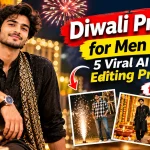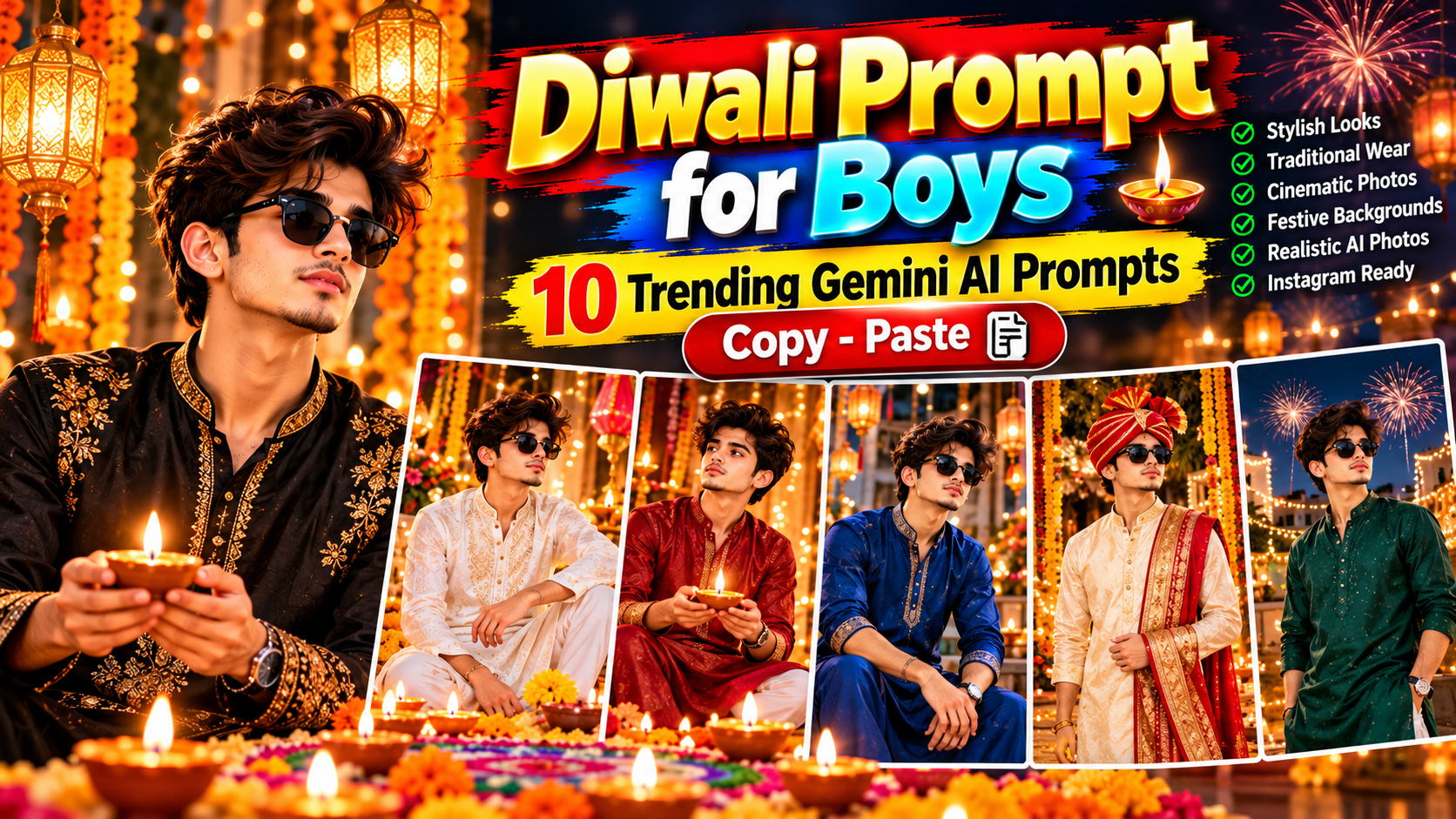

Diwali is one of the most popular festivals in India. During this festival, people wear traditional outfits, decorate their homes with diyas, and share beautiful photos on social media. If you want to create stylish Diwali photos without going to a professional photography studio, Gemini AI Diwali photo prompts for boys can help you explore different looks.
With the help of AI photo editing tools, you can transform an ordinary photograph into a realistic, cinematic, and festive portrait. You can try different outfits, such as a black kurta, white kurta, royal blue sherwani, or traditional Indian ethnic wear. You can also add glowing diyas, colourful rangoli, marigold flowers, and beautiful festive backgrounds.
In this article, you will find 10 trending Diwali AI photo editing prompts for boys. Each prompt includes a 9:16 vertical aspect ratio, making it suitable for Instagram Stories, YouTube Shorts covers, WhatsApp Status, and other vertical social media content.
10 Best Diwali AI Photo Editing Prompts for Boys
Copy your favourite prompt below, upload your photograph to a compatible AI image generator, and customize the details according to your preferences.
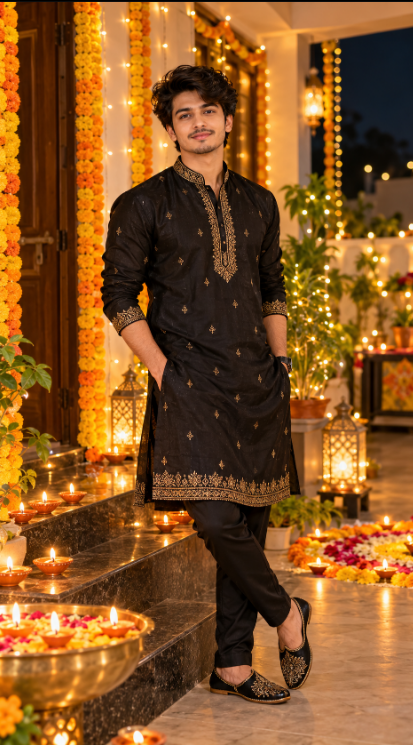
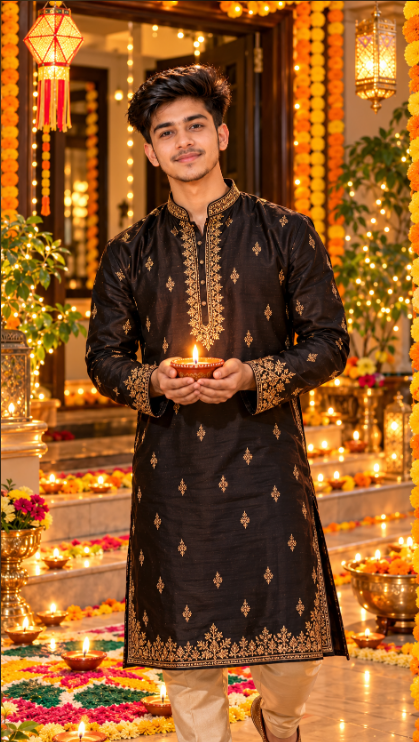
1. Black Kurta Diwali AI Photo Prompt
A black kurta with traditional accessories creates a stylish and elegant Indian festive look. This prompt is ideal for boys who want a premium portrait for Instagram or WhatsApp.
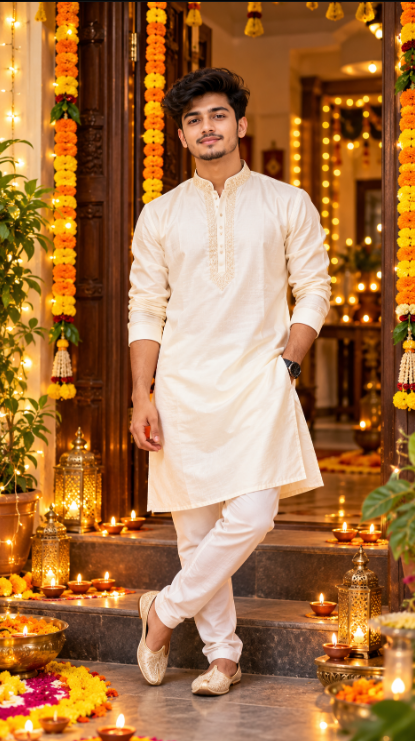
2. White Kurta Traditional Indian Look Prompt
A white kurta is perfect for a clean, simple, and traditional Diwali look. This prompt creates a graceful portrait with warm festive lighting.
3. Royal Blue Kurta Diwali Photo Prompt
If you want a modern and fashionable festive look, try a royal blue kurta. The rich colour looks attractive against warm golden Diwali decorations.

4. Diwali Photo with a Glowing Diya Prompt
A photograph holding a diya is a classic choice for Diwali. It creates a warm, traditional, and festive atmosphere.
5. Black Sherwani Luxury Diwali Prompt
A black sherwani can give your photograph a royal and luxurious appearance. This style is suitable for boys who enjoy sophisticated ethnic fashion.
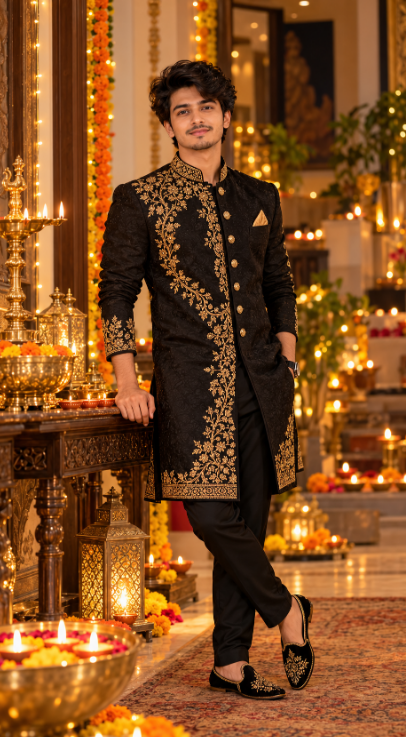
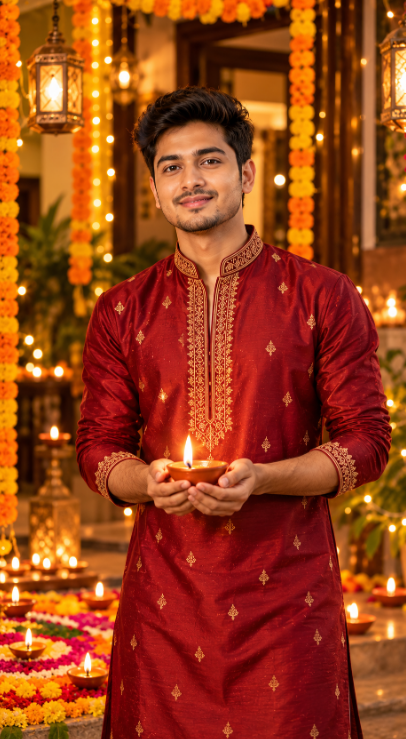
6. Red Kurta Festive Photography Prompt
Red is a popular Indian festive colour. This prompt is ideal for creating a vibrant portrait with traditional Diwali decorations.
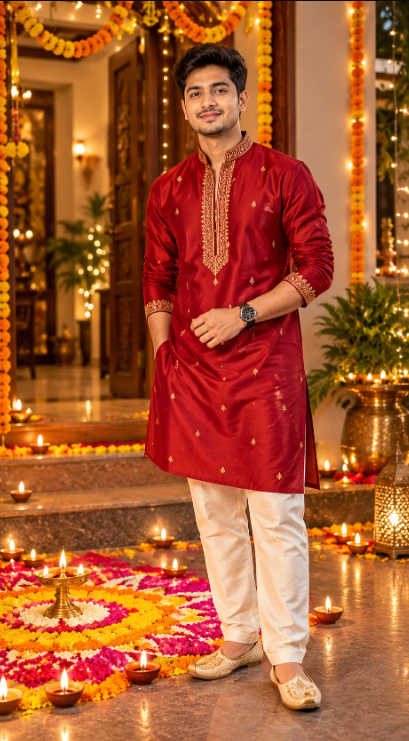
7. Stylish Indo-Western Diwali Outfit Prompt
If you prefer a modern fashion look rather than a completely traditional outfit, try this Indo-Western style.
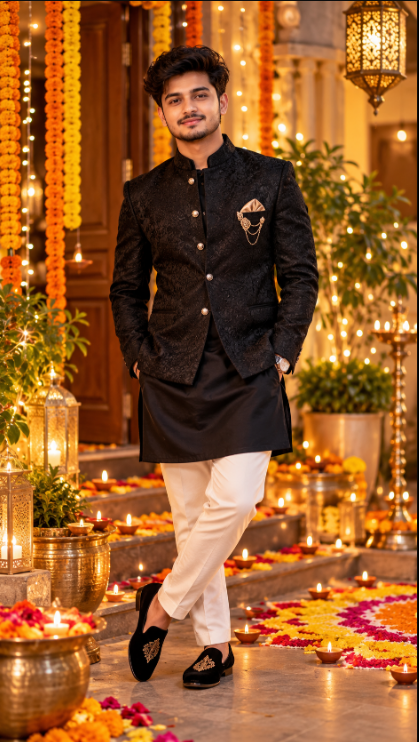
8. Diwali Night Cinematic Boy Photo Prompt
Night-time photography with glowing lights can create a dramatic and eye-catching portrait. This prompt is suitable for cinematic social media photos.
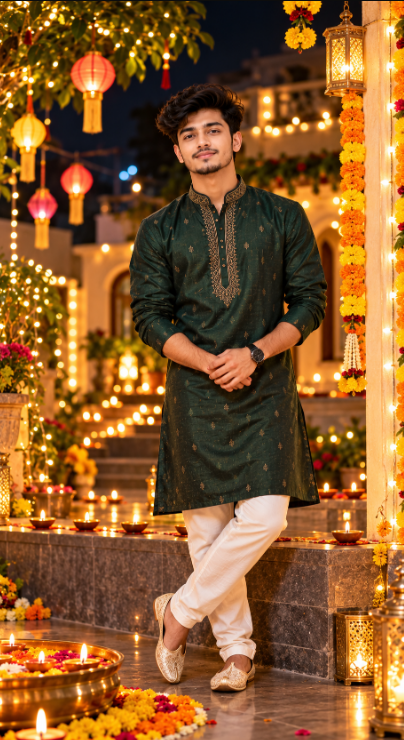
9. Maharashtrian Traditional Diwali Look Prompt
For boys who love Maharashtrian culture, a traditional kurta with a pheta can create a distinctive regional festive look.

10. Viral-Style Instagram Diwali Portrait Prompt
This prompt combines traditional Indian fashion, cinematic lighting, and an eye-catching composition for social media.
How to Use Gemini AI Diwali Photo Prompts
Follow these simple steps to create your own festive portrait.
- Open Gemini or another AI image generator that supports image uploads.
- Upload a clear photograph of yourself.
- Choose one of the 10 Diwali prompts from this article.
- Copy the complete prompt and paste it into the AI chat.
- Ask the tool to generate or edit your photo.
- If needed, change the kurta colour, background, pose, or lighting.
- Save the generated image if you like the result.
For better results, use a clear reference photo with good lighting. AI tools may not preserve every facial detail perfectly, so review the final image before sharing it.
What Is a Gemini AI Diwali Prompt for Boys?
A Gemini AI Diwali prompt is a text instruction that tells an AI image tool how to create or edit a photograph. You can describe your preferred clothes, hairstyle, pose, background, lighting, and photography style.
For example, you can ask an AI tool to create a realistic portrait of a boy wearing a black kurta while standing beside glowing diyas in a beautifully decorated Indian home.
Using detailed instructions can help you achieve the style you want. However, results may vary depending on the AI tool and the reference photo.
Tips for Creating Realistic Diwali AI Photos
- Choose a clear photo: A sharp, well-lit reference image can help the AI understand your appearance.
- Use specific clothing descriptions: Mention black kurta, white kurta, sherwani, or Maharashtrian traditional wear.
- Add festive background details: Diyas, rangoli, marigold flowers, and fairy lights can make the image feel more authentic.
- Preserve your natural identity: Include instructions to keep the original face, skin tone, and hairstyle.
- Use the 9:16 format: This vertical aspect ratio is useful for Instagram Stories, WhatsApp Status, and YouTube Shorts-style content.
- Check image quality: If hands, clothing, or facial details look incorrect, refine the prompt and generate another version.
These 10 Gemini AI Diwali photo editing prompts for boys make it easy to experiment with traditional Indian outfits, stylish festive portraits, and cinematic night-time photography. Whether you prefer a black kurta, a royal blue outfit, a luxury sherwani, or a Maharashtrian traditional look, you can customize each prompt to match your style.
Copy your favourite prompt, upload your photo to a compatible AI image generator, and create a festive portrait in 9:16 vertical format. Share your favourite results with friends and family on Instagram, Facebook, and WhatsApp this Diwali.
Remember that these prompts are designed to help you explore creative styles. Actual image quality and social media engagement will depend on the AI tool, the reference photo, and how you use the final image.